
Step 1
Choose your profile
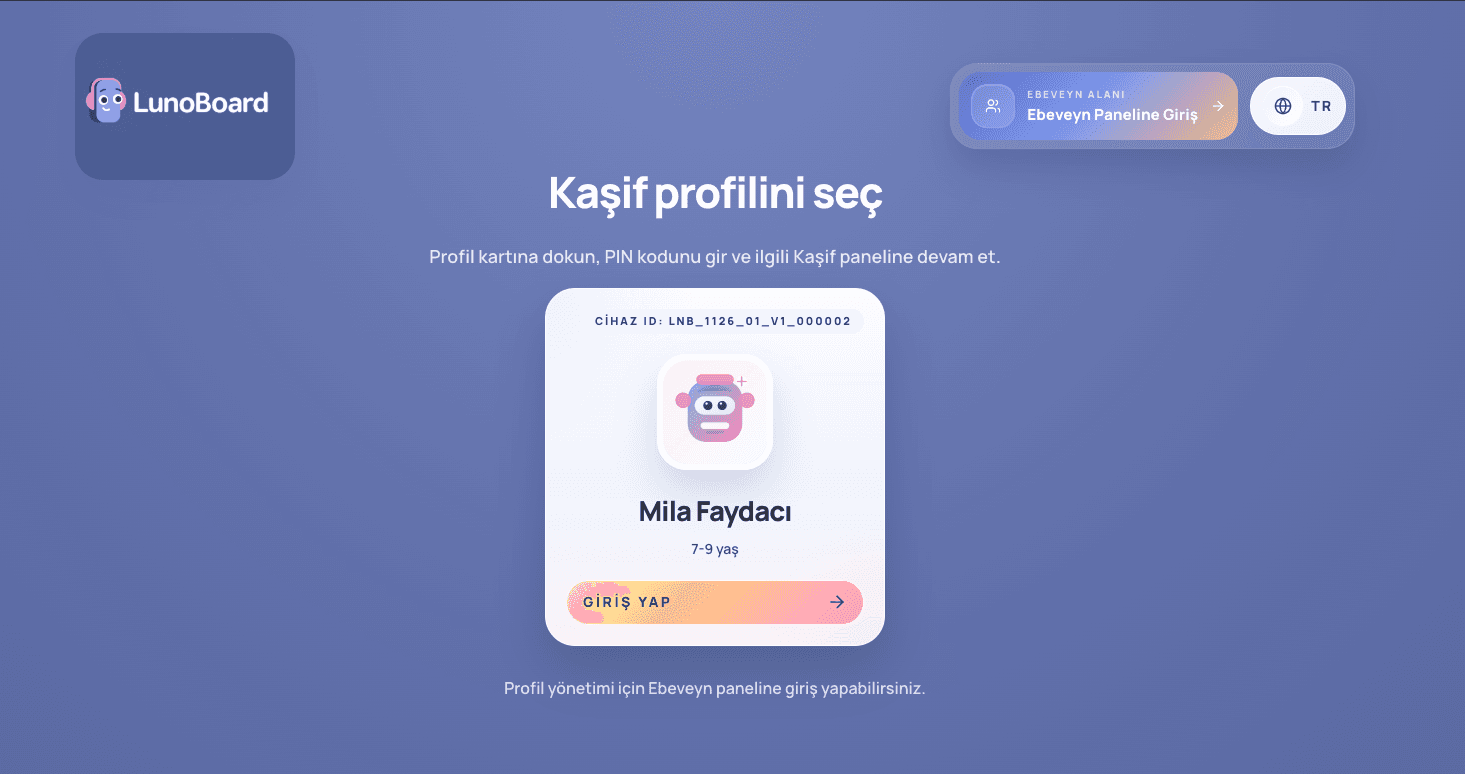
Find your Explorer profile on the sign-in screen and continue from there.
Find your Explorer profile on the sign-in screen and continue from there.
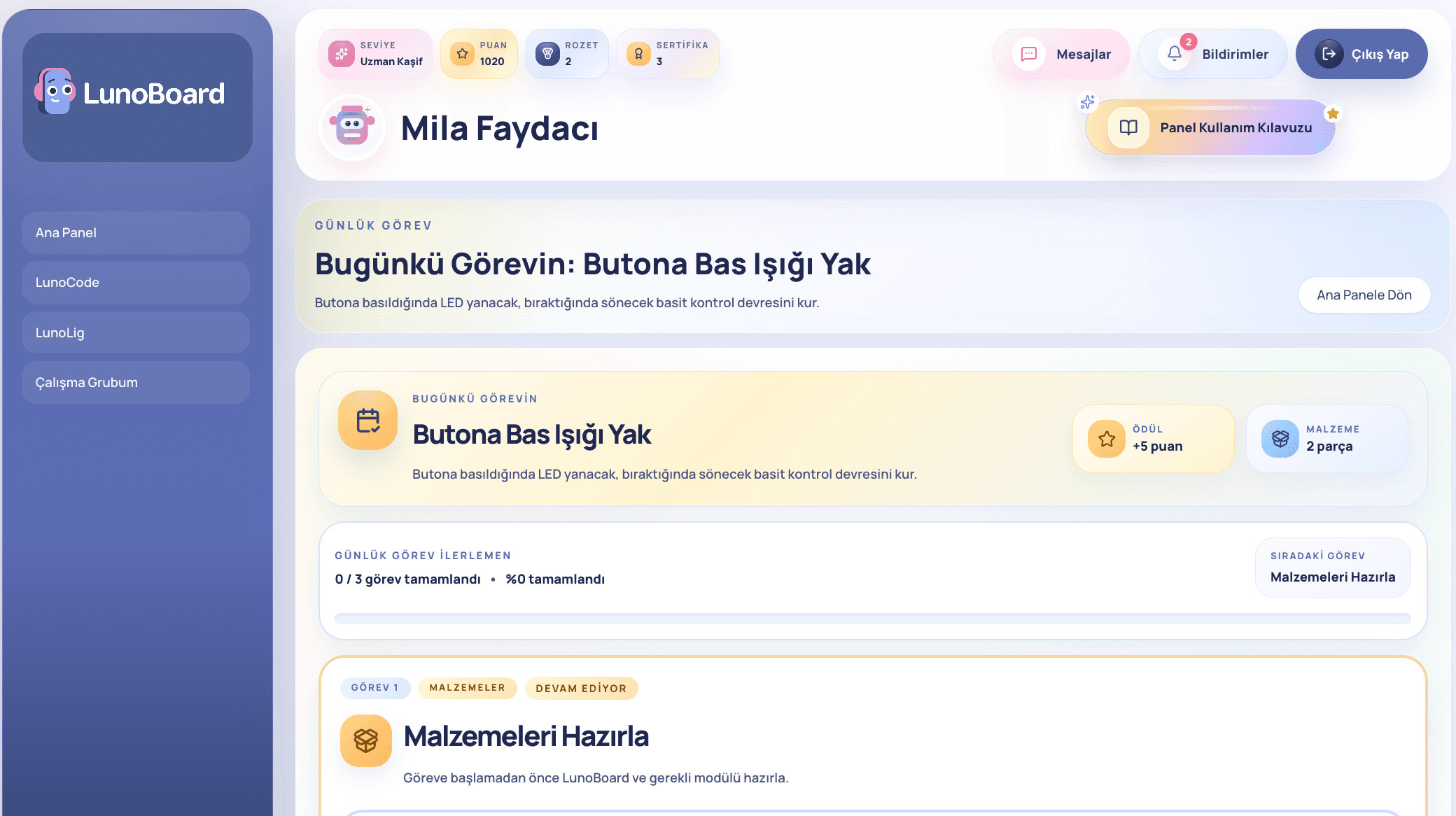
See today's tasks and experiment cards, then begin with the first suggested card.
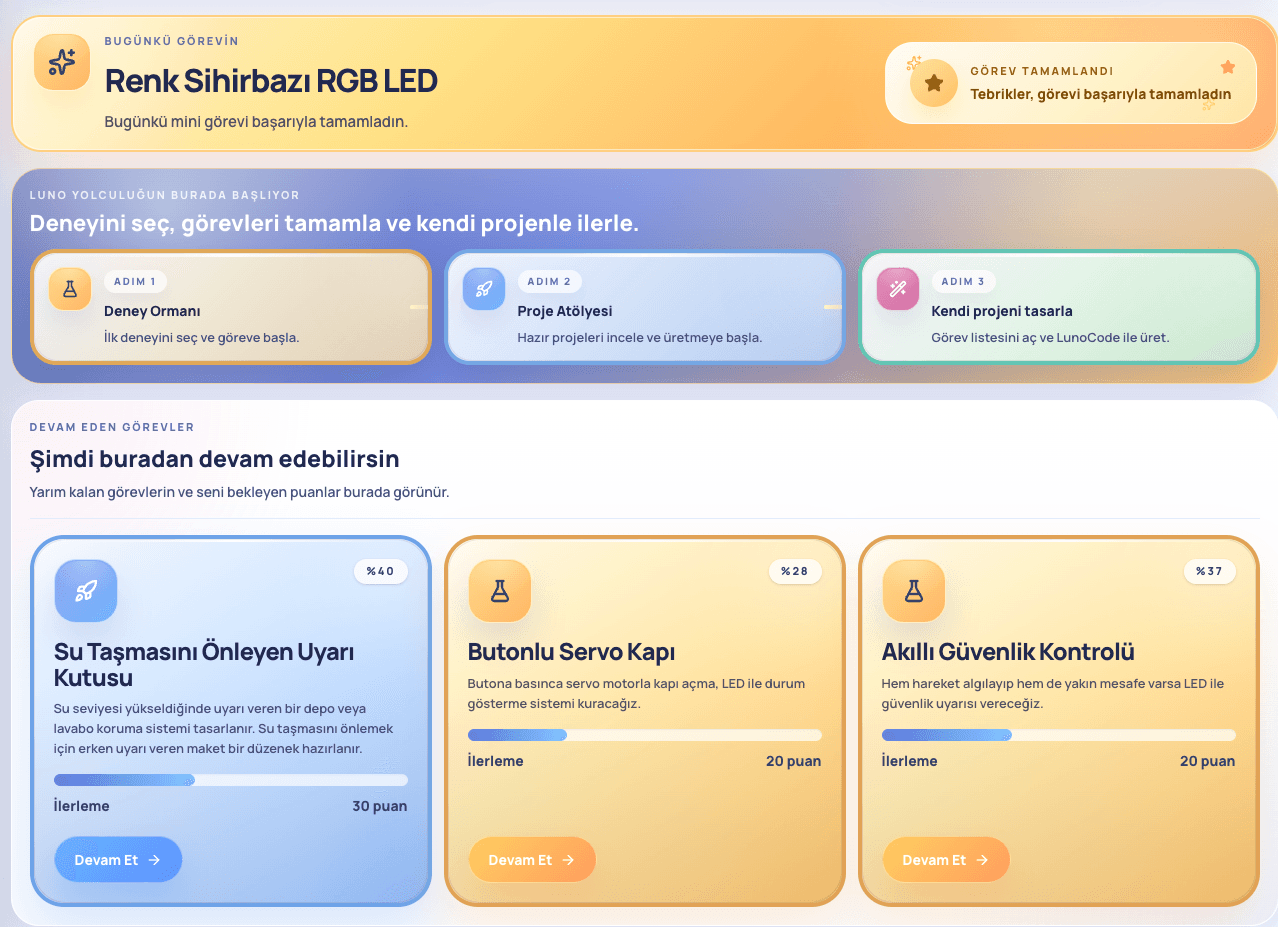
Check the goal and pieces before you begin.
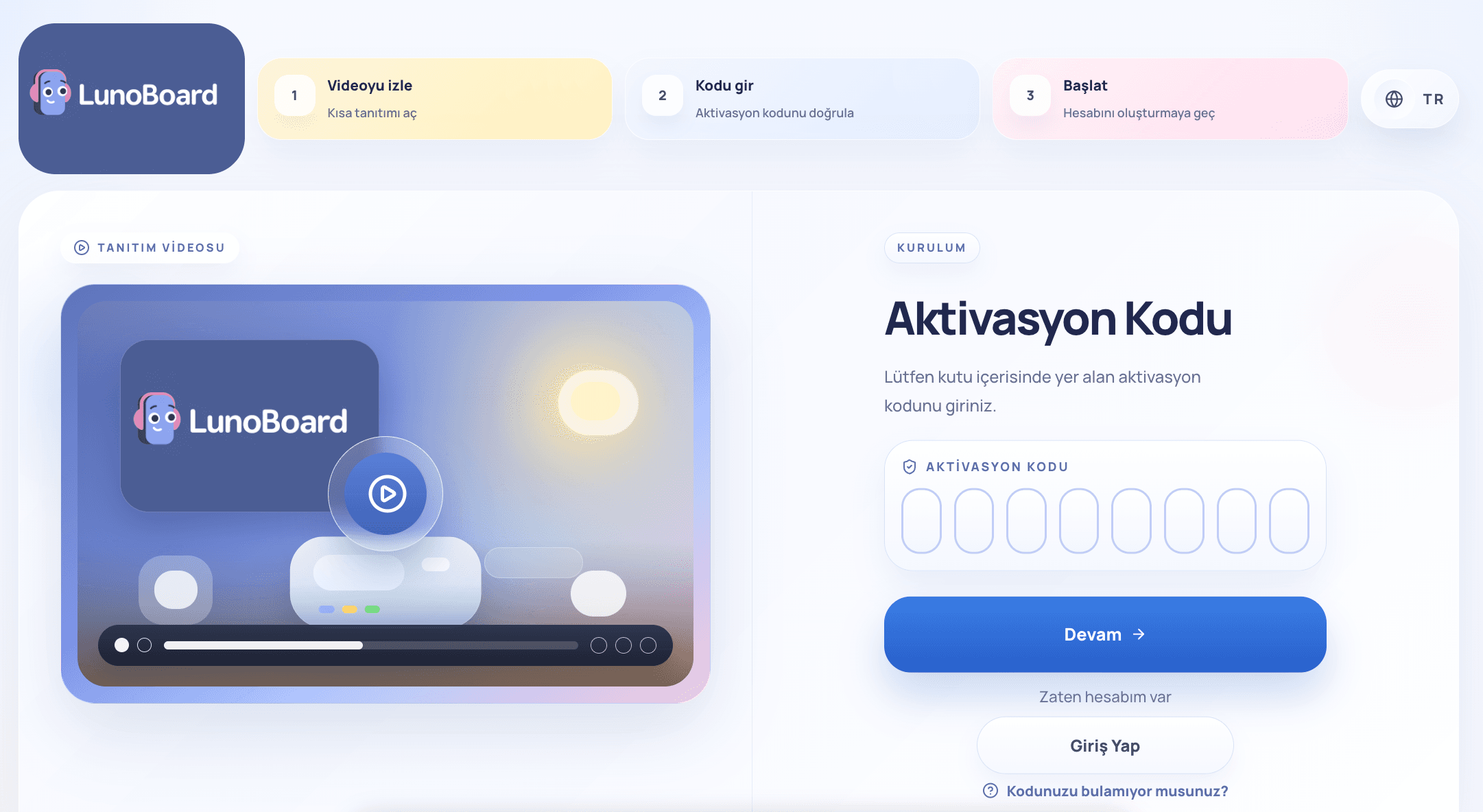
If everything is ready, open the first mission step.
See today's tasks and experiment cards, then begin with the first suggested card.
Check the goal and pieces before you begin.
If everything is ready, open the first mission step.
Find your Explorer profile on the sign-in screen and continue from there.
Check the goal and pieces before you begin.
If everything is ready, open the first mission step.
Find your Explorer profile on the sign-in screen and continue from there.
See today's tasks and experiment cards, then begin with the first suggested card.
If everything is ready, open the first mission step.
Find your Explorer profile on the sign-in screen and continue from there.
See today's tasks and experiment cards, then begin with the first suggested card.
Check the goal and pieces before you begin.
Find your Explorer profile on the sign-in screen and continue from there.
See today's tasks and experiment cards, then begin with the first suggested card.
Check the goal and pieces before you begin.
If everything is ready, open the first mission step.
See today's tasks and experiment cards, then begin with the first suggested card.
Check the goal and pieces before you begin.
If everything is ready, open the first mission step.
Find your Explorer profile on the sign-in screen and continue from there.
Check the goal and pieces before you begin.
If everything is ready, open the first mission step.
Find your Explorer profile on the sign-in screen and continue from there.
See today's tasks and experiment cards, then begin with the first suggested card.
If everything is ready, open the first mission step.
Find your Explorer profile on the sign-in screen and continue from there.
See today's tasks and experiment cards, then begin with the first suggested card.
Check the goal and pieces before you begin.